To access the collection on a computer visit the Vermont Department of Libraries Overdrive website. To access it on a phone, e-reader or other mobile device, download the Libby app. You will need the barcode from your active library card to register and create an account.
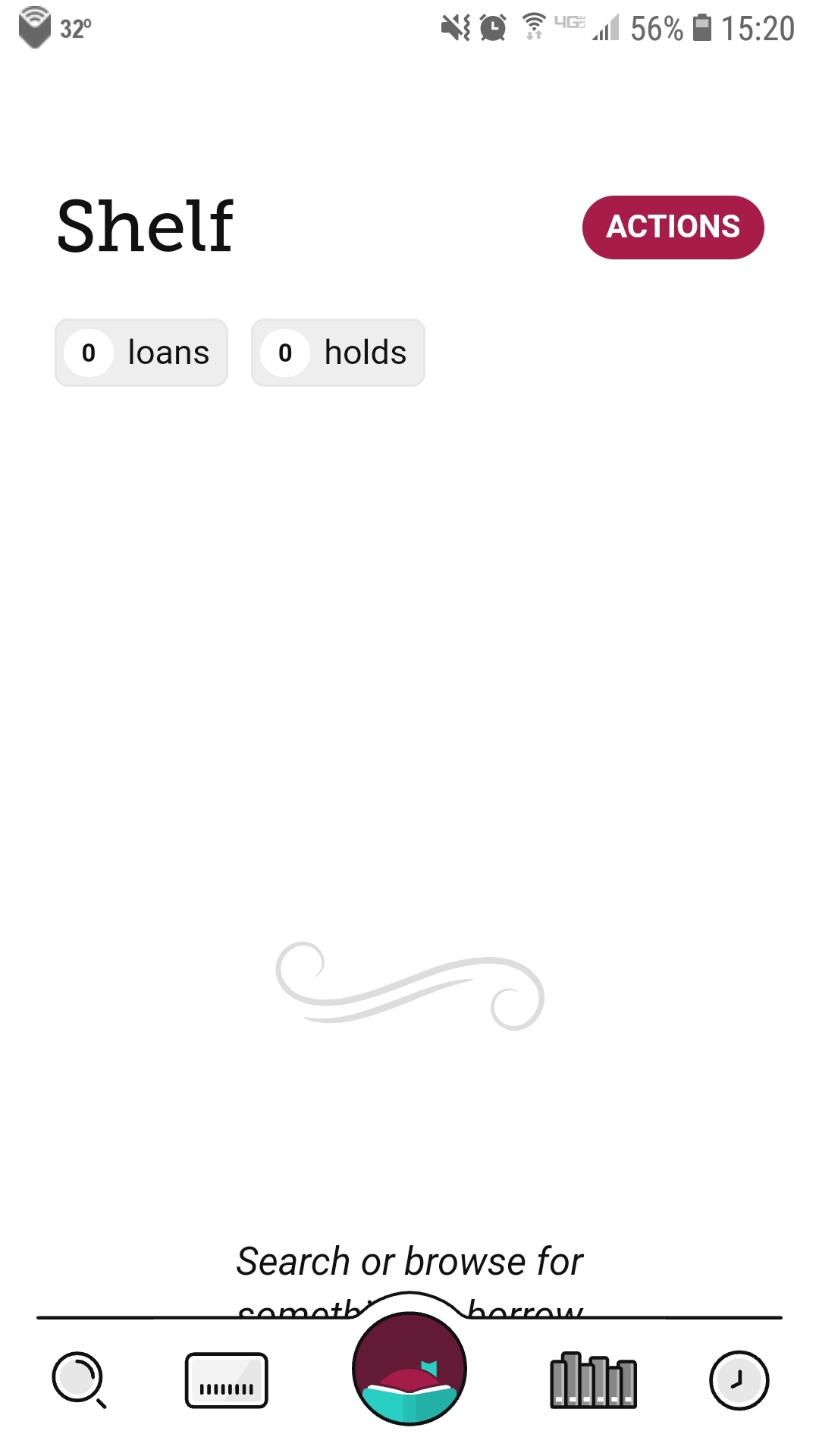
Once you have the app open, select the circular icon in the middle to go to the menu page.
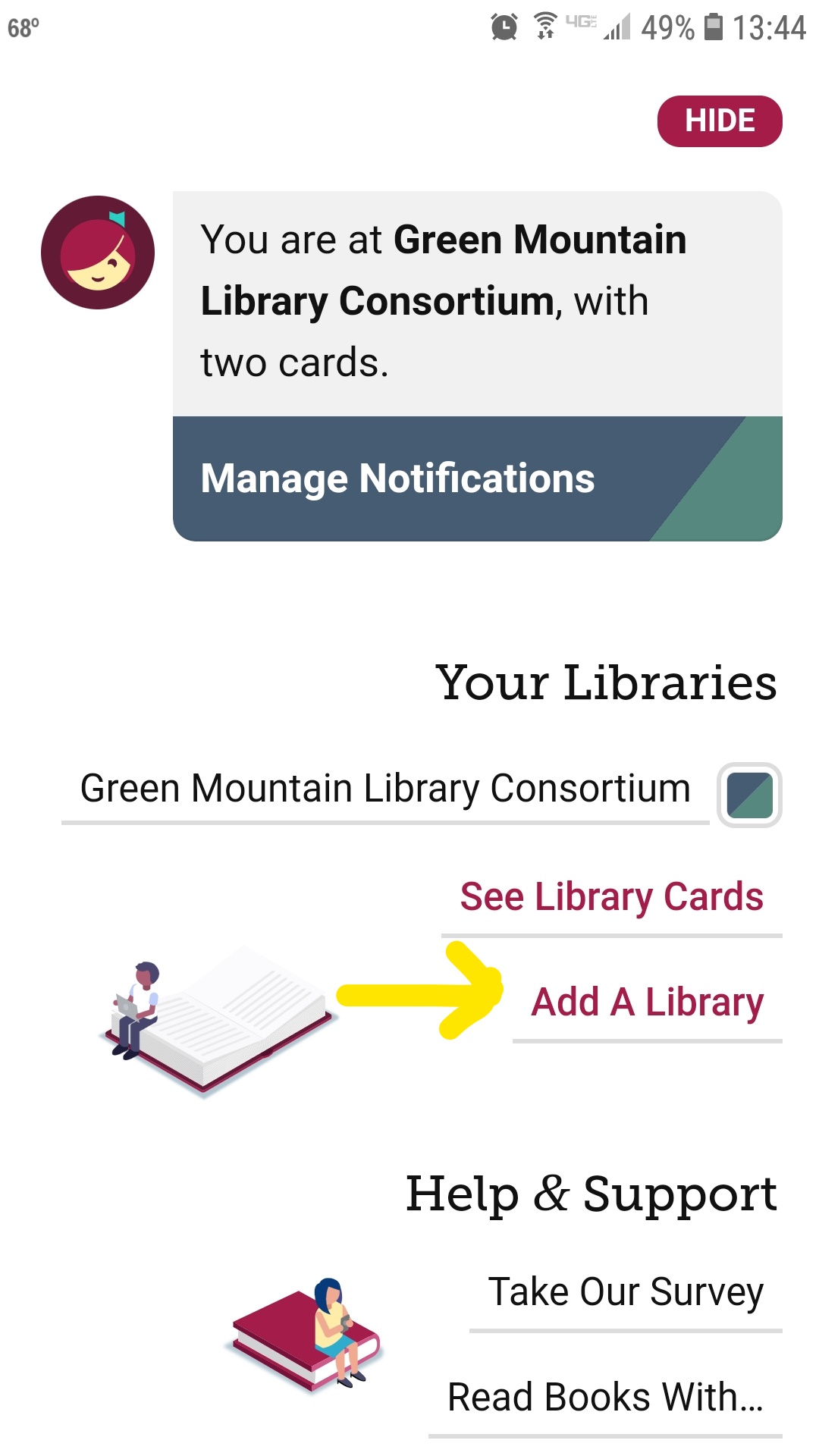
From there select “Add a library”.
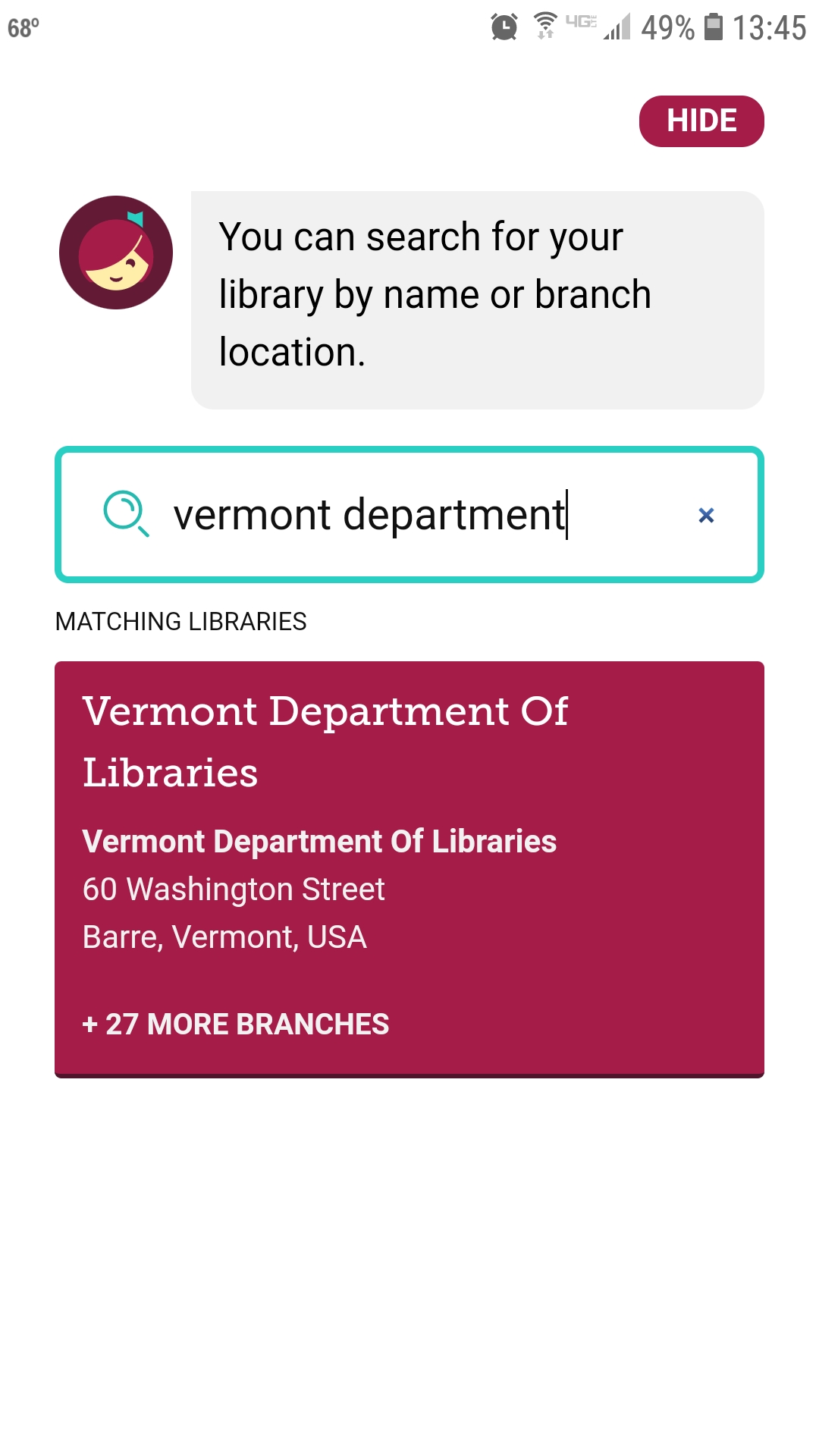
Then search for Vermont Department of Libraries and select it. You will automatically be redirected to the RBdigital collection on Libby!
To switch back to the Green Mountain Library Consortium on Libby select that small round icon in the top right again, and then select “Green Mountain Library Consortium”.
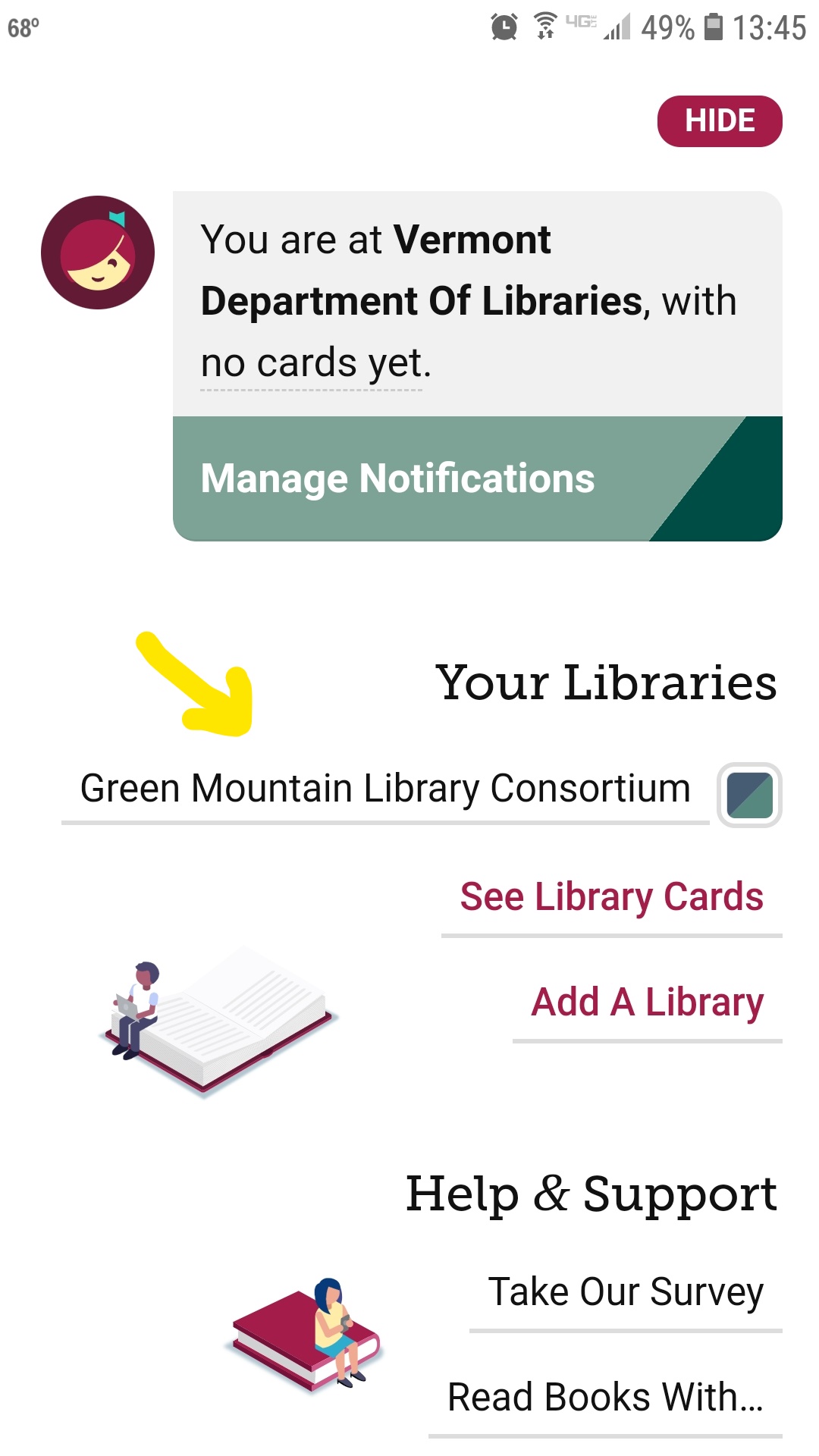
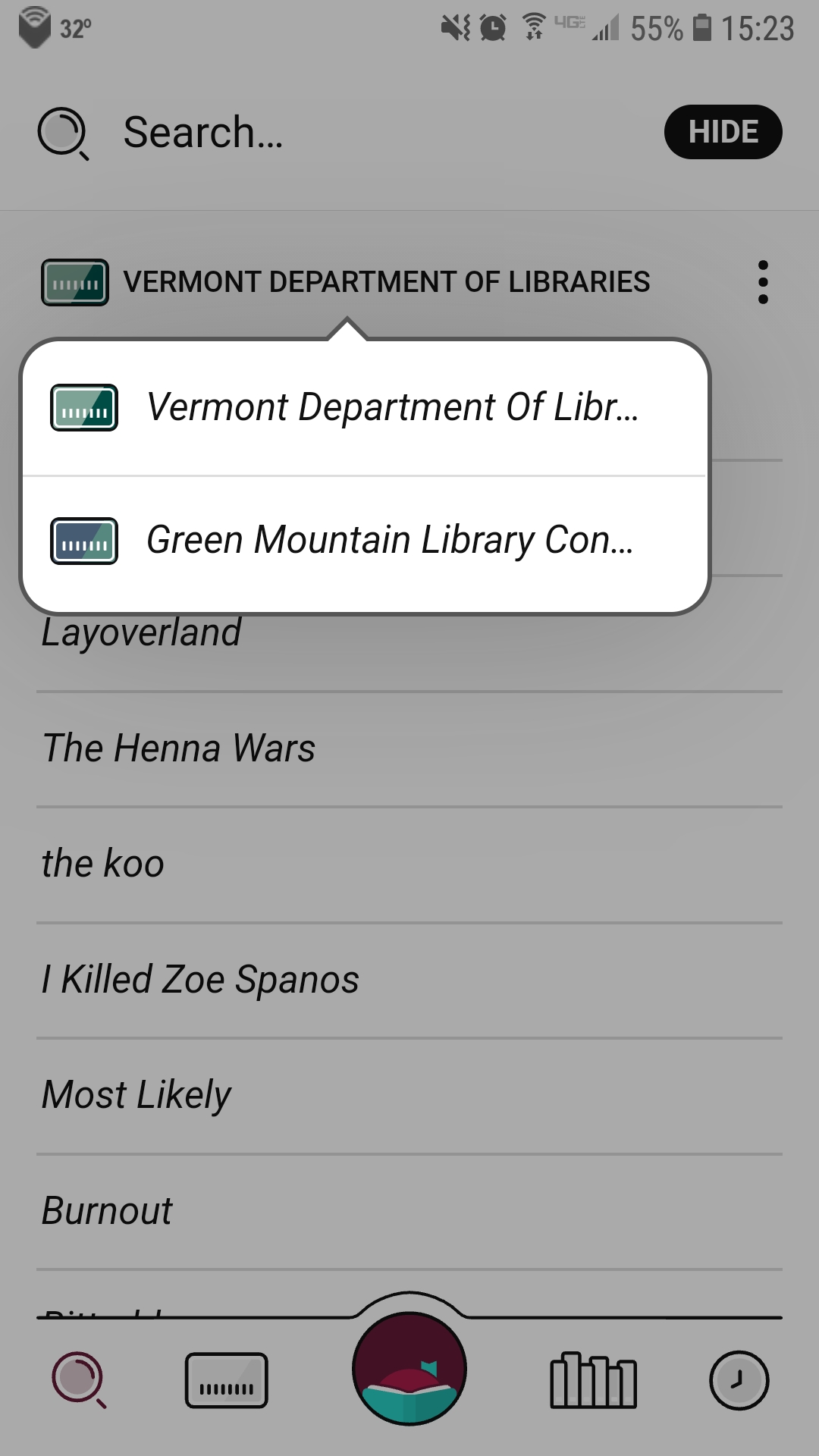
You can also switch libraries when searching by tapping the name of the library below the search bar. This will bring up all the libraries you’re a part of and you can select a different library from there.